
Topic
Screenshot & Document Photo Background Removal
UI screenshots and document photos can contain confidential text; local processing reduces third-party image handling for the cutout.
Definition
Screenshot background removal segments interface elements or subjects from surrounding desktop chrome; document photos may need deskew and crop before segmentation.
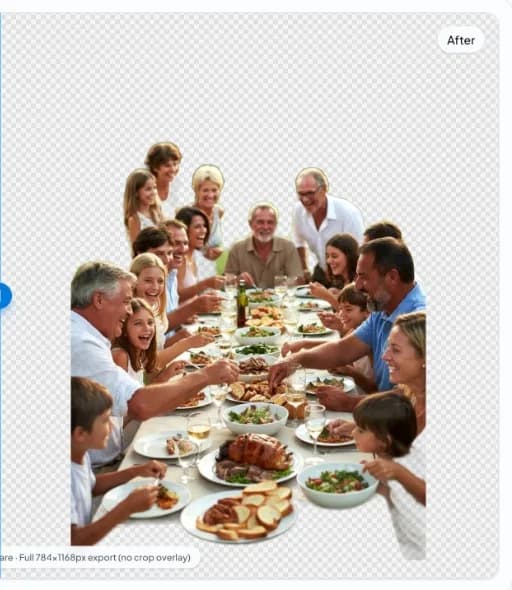
Sensitive documents
IDs, invoices, and contracts should be processed only under policy. Local inference helps, but exfiltration risks include accidental sharing after export.
UI mockups
Clean device frames for marketing often need transparent PNG exports—verify text remains readable after compression.
FAQ
ID card transparent background?
Technically possible, but many jurisdictions regulate ID imagery—use only with lawful purpose and consent.
Invoice images?
Redact secrets before editing; local processing is not a substitute for access control.
Related topics
Why local processing matters
nobg.eu runs background removal in your browser session. The goal is simple: fewer unnecessary image transfers and faster starts than upload-first pipelines—without promising impossible quality on every edge case.
No upload image editing
Core cutout processing is designed as local image processing: you open a file, the model runs client-side, you export. You still load the website and assets over HTTPS like any site.
Browser AI explained
Browser AI here means inference executes in web runtime (WebGPU when available, with fallbacks). It is not a generic “cloud brain”—it is on-device execution after the app loads.