
Landing
Elimină fundalul de la poză pașaport — confidențialitate
ID-style portraits are highly sensitive personal data. Local browser segmentation reduces exposure compared with upload-first editors, but you must still follow your issuer’s official photo rules.
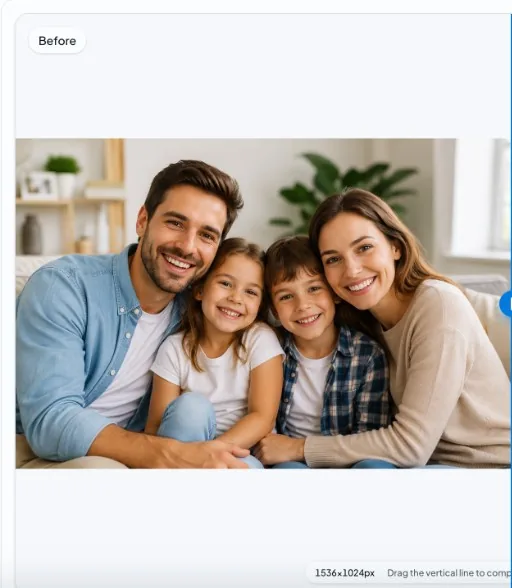
Before
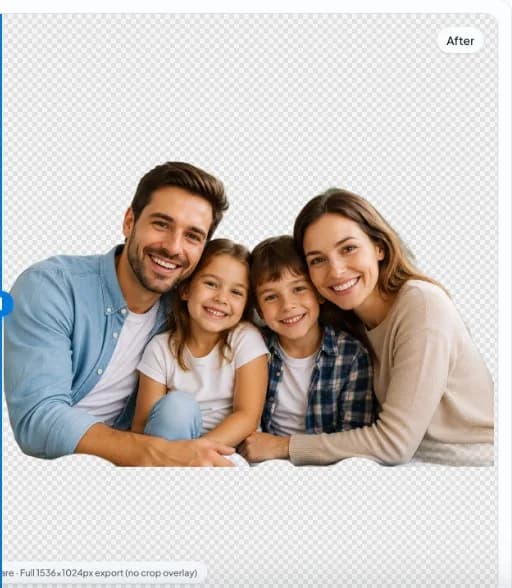
After
Compliance disclaimer
Government agencies specify background color, crop, expression, and lighting. This tool does not guarantee compliance—always read the latest official requirements.
Why privacy matters here
Biometric-quality face images warrant minimal data paths. Processing locally aligns with a conservative security posture.
Neutral backgrounds
Many guidelines require solid light gray or white. After export, place the cutout on the exact background your authority mandates.
Quick steps
- Read official rules first. Confirm dimensions, head size, and background color with your passport office or vendor.
- Edit locally. Remove the existing background in-browser, then composite onto the compliant flat color if required.
- Print test. Print a draft and compare to the specification checklist before submission.
FAQ
Will my photo be accepted?
Acceptance depends on issuer rules, not software branding. Use official checklists; this page cannot certify compliance.
Are biometric photos uploaded?
The product is built for local browser processing without mandatory upload for the cutout. Review the Privacy Policy for ancillary telemetry.