
Private · Local · 2-step pipeline
Drop in a photo, run local AI background removal, compare the result, and export a transparent PNG or WebP without a mandatory upload-first cloud workflow.
Recently opened images appear here.
Try an example
Real results
Before / after from the nobg.eu app
Screenshot comparisons from the in-browser editor - portraits, fur, glass, groups, and crowded scenes with glassware and fine edges. Open any card for the full example page.
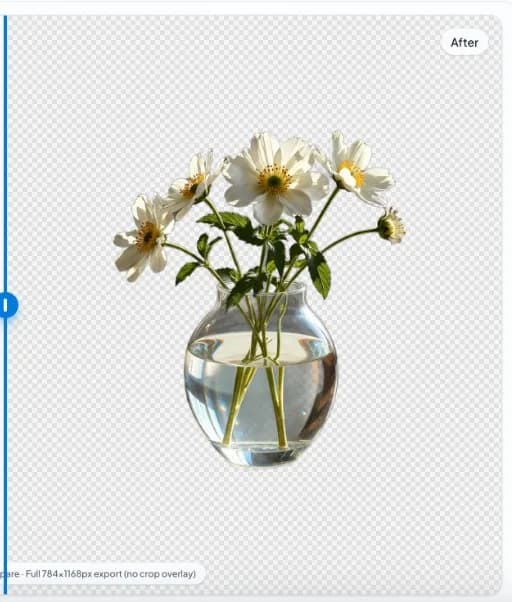

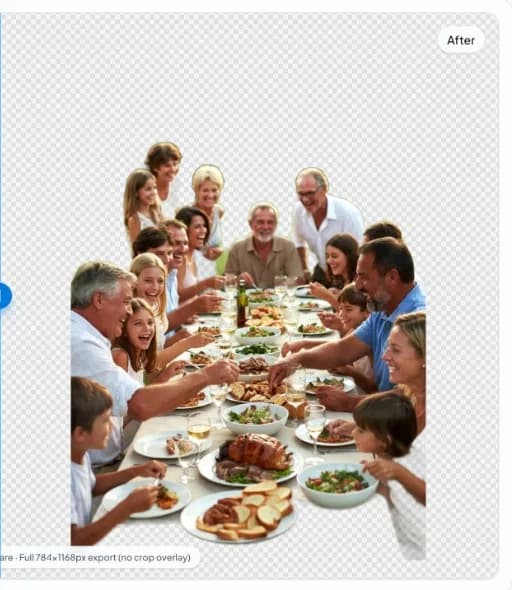
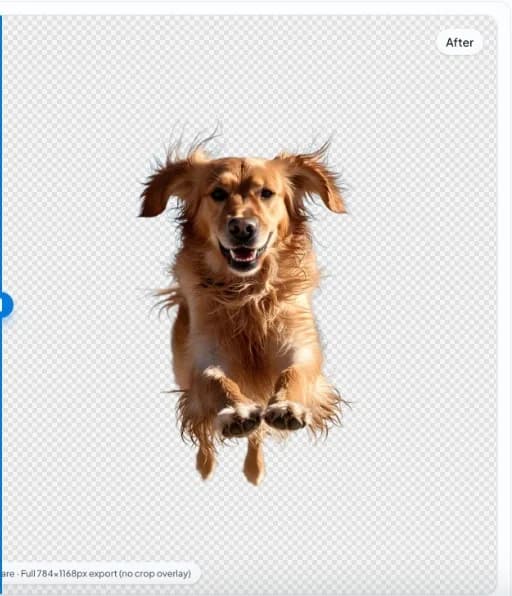

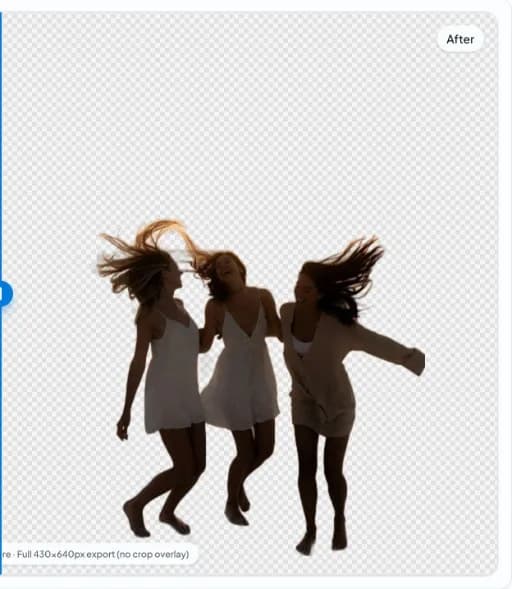
Privacy-first background removal
The same outcome many cloud tools promise - without shipping your image to a server to get there.

Your image file should not be a network request
Many tools send your photo away, wait on a server, then send a result back. nobg.eu does the opposite: the work happens in your browser, on your device, and your export stays yours - no cloud processing step in between.
- Nothing sent to our servers for editingCutouts are created in your browser, not handed off to a remote worker.
- No cloud project storageWe are not building a library of your shoots in the background.
- No account gateFewer credentials, fewer reasons to sync your work to a product database.
- Session-local editingWe are not building a cloud catalog of your projects. For how the website itself is run, see our Privacy and Cookie policies.
- No silent cloud cutout queueThe editor is built so core segmentation does not depend on shipping your photo to a remote worker for the primary edit.
- Clear separation of ads vs editingFunding surfaces are documented in policy pages; they are not the inference path that produces your mask.
- You control when files leave the deviceExports download to your machine. Sharing happens only if you choose to upload elsewhere afterward.
Plain language
If you would not email a photo to a stranger, you should not have to upload it just to get a transparent PNG. nobg.eu is for anyone who wants a polished cutout with a simple story: your file stays with you.
We still operate a public website, so the usual legal and technical realities apply: see our Privacy Policy and Terms for the full picture.
Built for photos you would not put in a shared drive
The same privacy story applies whether you are touching up a portrait or isolating a product - what changes is how costly a leak would be.
01
02
03
04
Browser-based AI that runs on your device
nobg.eu loads modern AI into your tab - like other web apps load code - and runs it locally. When your browser and hardware support it, GPU acceleration keeps edits responsive; otherwise the same secure, on-device workflow still runs in your browser.
- Local AIProcessing stays in your session, not on our servers.
- GPU acceleratedUses your graphics hardware when available for snappy results.
- Runs on-deviceWorks across modern browsers without installing desktop software.
Visual processing flow
Upload image -> Local AI processing -> Background segmentation -> Transparent PNG export.
Step 1
Choose an image from your device and open it in the browser editor (pixels load into the local session).
Step 2
Local AI initializes in your tab—WebGPU when available, otherwise WASM/CPU—without a mandatory cutout upload.
Step 3
Background segmentation builds a mask you can inspect against the original at zoom for hair, labels, and holes.
Step 4
Export a transparent PNG or WebP master, then flatten to channel-required fills only after edge QA passes.
Why use local background removal?
Cloud tools
Browser/local tools
Upload-first workflow
No upload processing flow
Shared server runtime and queues
Runs locally on your hardware
External data handling dependency
Direct control over image lifecycle
Performance varies by remote load
Instant processing start in-browser
Remote billing or credits common
Interactive free cutouts on-device
Images enter vendor storage paths
No cloud project library for edits
Queue delays under peak load
Starts on your hardware after assets load
Policy spans multiple regions/APIs
Primary inference stays in your browser session
Straight answers
Are images uploaded?
No. Background removal is processed locally in your browser session. Your source image is not uploaded to our servers for editing.
Is background removal private?
Yes. The product is built for privacy-first editing with browser-based AI and no cloud processing pipeline for your image.
Does this work offline?
After the first load, many assets can be cached by your browser. Initial setup usually needs internet, and full offline behavior depends on your browser and device.
How is this different from remove.bg?
Many tools are upload-first cloud services. nobg.eu focuses on local browser processing so you can remove backgrounds without sending image files to a remote API.
Is my data stored?
nobg.eu is not a cloud photo library. We do not store your working images for background removal.
Why use local AI?
Local AI gives stronger privacy control, faster perceived turnaround on good hardware, and fewer data-sharing concerns.
By using nobg.eu you agree to our Terms and Privacy Policy.