
Atterrissage
Supprimer l'arrière-plan des photos d'identité - le respect de la vie privée avant tout
Les portraits de type ID sont des données personnelles très sensibles. La segmentation locale du navigateur réduit l'exposition par rapport aux éditeurs qui téléchargent d'abord, mais vous devez toujours respecter les règles de votre émetteur en matière de photos officielles.
Avant
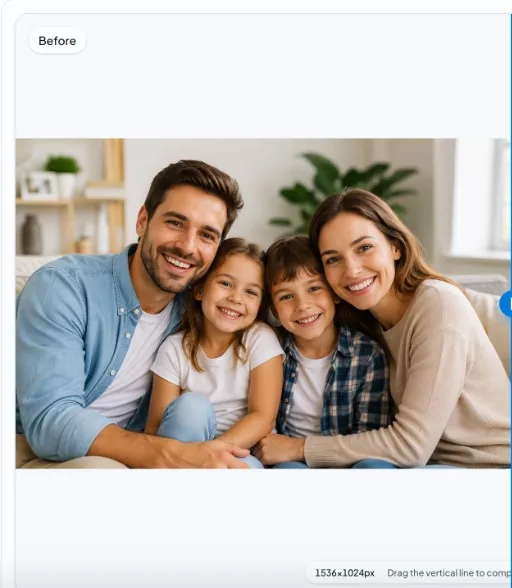
Après
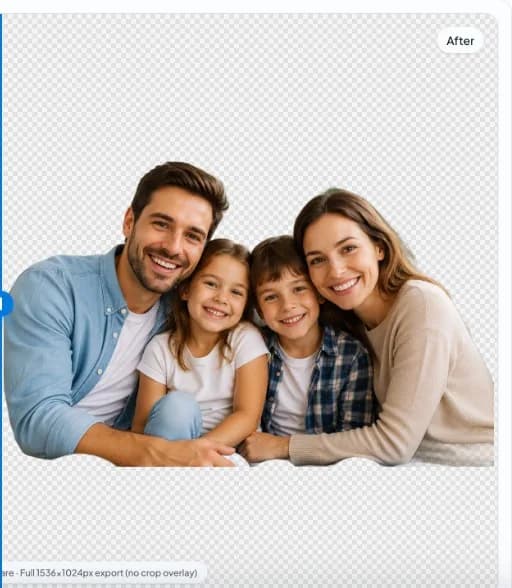
Avis de non-responsabilité
Les agences gouvernementales spécifient la couleur de fond, le cadrage, l'expression et l'éclairage. Cet outil ne garantit pas la conformité - lisez toujours les dernières exigences officielles.
Pourquoi le respect de la vie privée est-il important ici ?
Les images de visages de qualité biométrique justifient des chemins de données minimaux. Le traitement local s'inscrit dans le cadre d'une politique de sécurité prudente.
Fonds neutres
De nombreuses directives exigent un gris clair ou un blanc uni. Après l'exportation, placez la découpe sur le fond exact exigé par votre autorité.
Les étapes rapides
- Lire d'abord les règles officielles. Confirmez les dimensions, la taille de la tête et la couleur de fond auprès de votre bureau des passeports ou de votre vendeur.
- Modifier localement. Supprimez l'arrière-plan existant dans le navigateur, puis composez sur l'aplat de couleur conforme si nécessaire.
- Test d'impression. Imprimez un projet et comparez-le à la liste de contrôle des spécifications avant de le soumettre.
FAQ
Ma photo sera-t-elle acceptée ?
L'acceptation dépend des règles de l'émetteur et non de la marque du logiciel. Utilisez les listes de contrôle officielles ; cette page ne peut pas certifier la conformité.
Des photos biométriques sont-elles téléchargées ?
Le produit est conçu pour être traité par un navigateur local, sans téléchargement obligatoire pour la découpe. Consultez la politique de confidentialité pour la télémétrie auxiliaire.
Pages connexes
Plus d'enlever l'arrière-plan de... pages
Toutes les pages d'atterrissage · Cas d'utilisation · Local contre cloud